Website information architecture and planning
Agree what your website needs before development starts. We plan the sections and pages and document what visitors should find and be able to do.

Global · English Россия · Русский
Get a review of the version your team plans to launch. We check the agreed pages, content and visitor actions on staging and record issues your developer can work through.
Agree what your website needs before development starts. We plan the sections and pages and document what visitors should find and be able to do.
Move the agreed content, map changed URLs and check pages and redirects after launch.
We build WordPress service websites and product catalogs. Agree on the pages, features and editing setup, then review the site before launch.
Compare the prepared site with the agreed page list and review the priority content.
Check the agreed screen sizes and work through selected links, buttons, menus and forms.
Record the affected address, observed problem and proposed fix. Add test conditions and screenshots when they help.
Choose the prepared version, pages, devices and visitor journeys to check.
Run the agreed checks and capture evidence for any issues we find.
Share the findings with your team. Agree separately on fixes or a follow-up check.
The same review can cover a prepared version before a migration. Share the prepared site address and the pages and actions you want checked. We use your specification or agreed page list where one exists. If there is no written list, we agree on a manageable set of pages and describe what a visitor should be able to do on each of them.
A review might follow a visitor from a service page to the quote form, or check whether the mobile menu reaches the right product category. Tell us which devices or screen sizes matter to your team so we can record the conditions of each check.
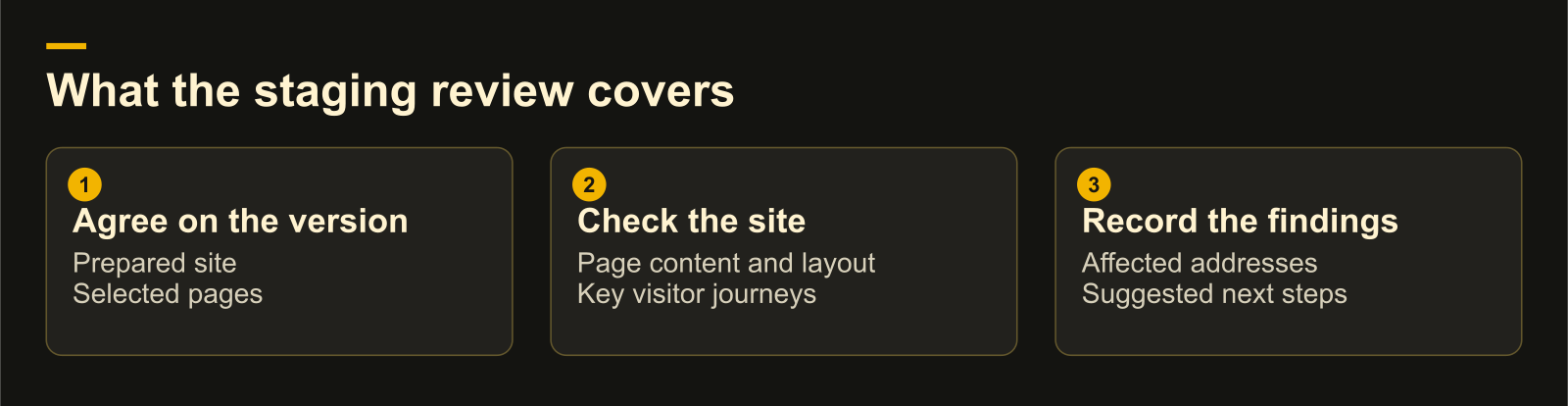
We compare the prepared pages with the agreed content and work through the selected journeys. We look at navigation, links, buttons and forms where they are part of the task. A form check can cover required fields, validation and the expected confirmation. We agree in advance whether the check includes sending a test submission and who will confirm receipt.
| What we check | Example question |
|---|---|
| Page and content coverage | Can a visitor find the agreed service details and the right contact information? |
| Responsive layout | Can someone read the page and reach its main action at the agreed mobile width? |
| Visitor journey | Does the button open the expected form, and does the agreed test reach the expected outcome? |
The issue register records the page address, the observed problem and a suggested change. We add the test conditions, screenshots or a priority where they help your team decide what to do. That can be as simple as identifying the screen width and the menu state in which a link opens the wrong page.
For example, suppose the quote button works on desktop but opens an old form on mobile. The report would identify the affected page and width, show how to reach the button and record the expected destination alongside what opened. Your developer can use the same steps to check the fix.
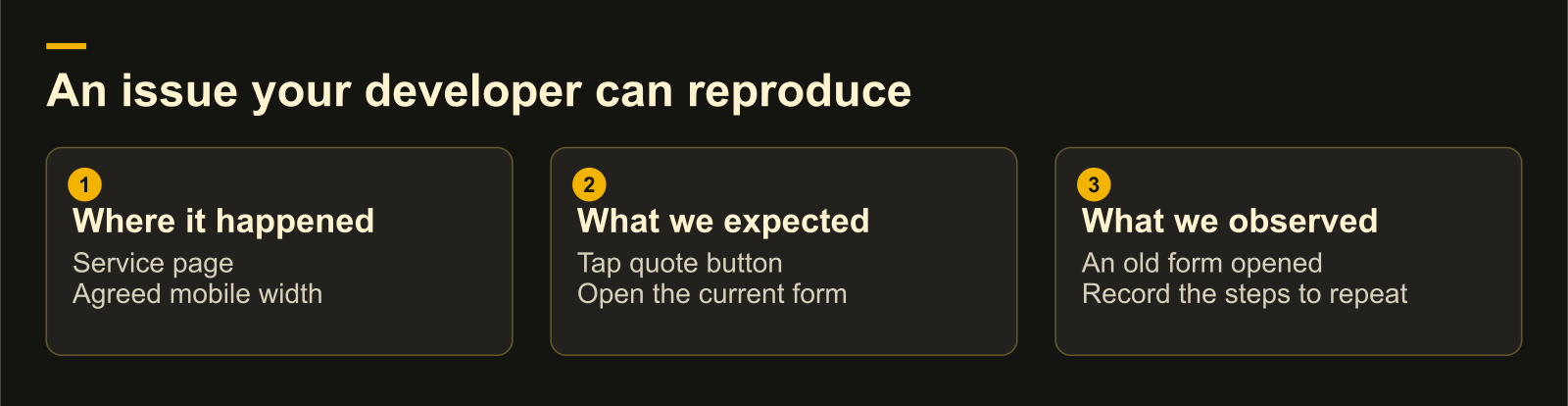
The handover shows which pages and scenarios were checked and what we observed in that version. Your team decides which issues to address before release. If you want us to verify fixes, agree on the version and scenarios for a separate check.
If the work includes moving pages, preparing redirects and checking the new addresses after switching, ask about website migration with SEO support. For a diagnosis focused on crawling, indexing and URL issues, choose a technical SEO audit.
The review delivers the issue register. We can discuss fixes or a repeat check as separate work.
The report shows what happened in the agreed checks. Your team can use the findings to decide what to fix and verify before launch.
Share your site and what you want to improve. We can suggest a starting point and explain what the work would involve.